4/8/20 Update

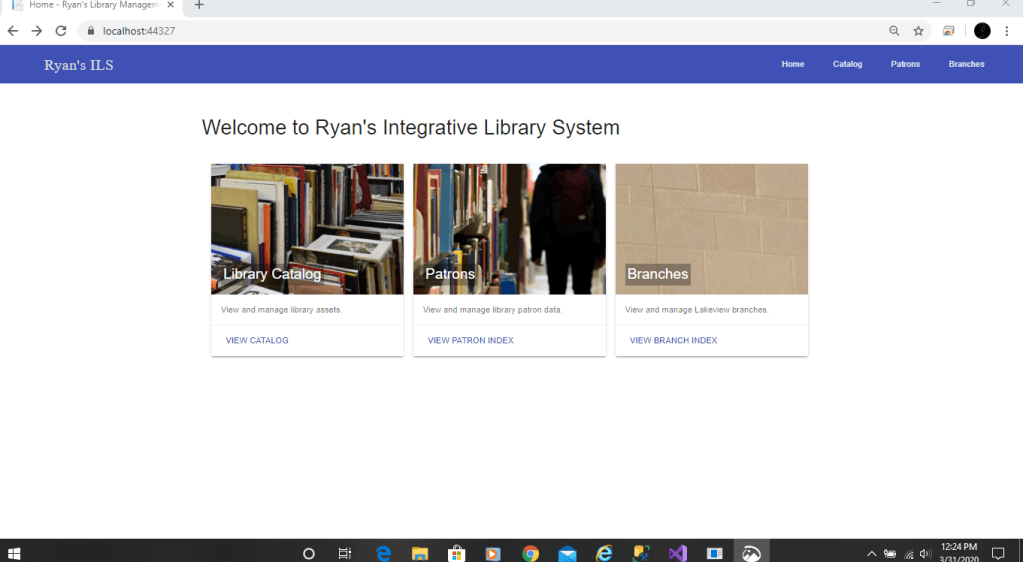
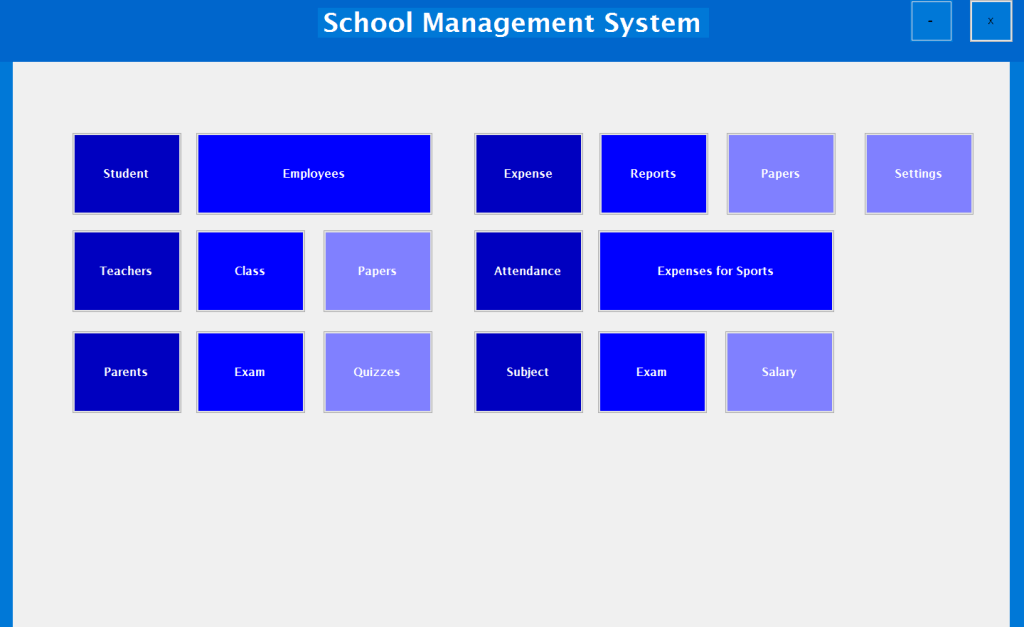
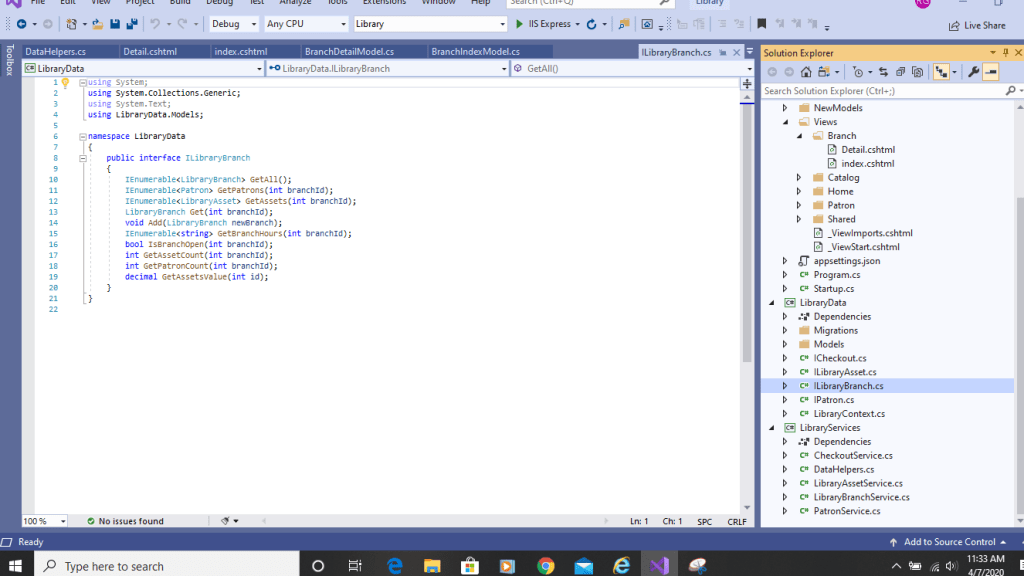
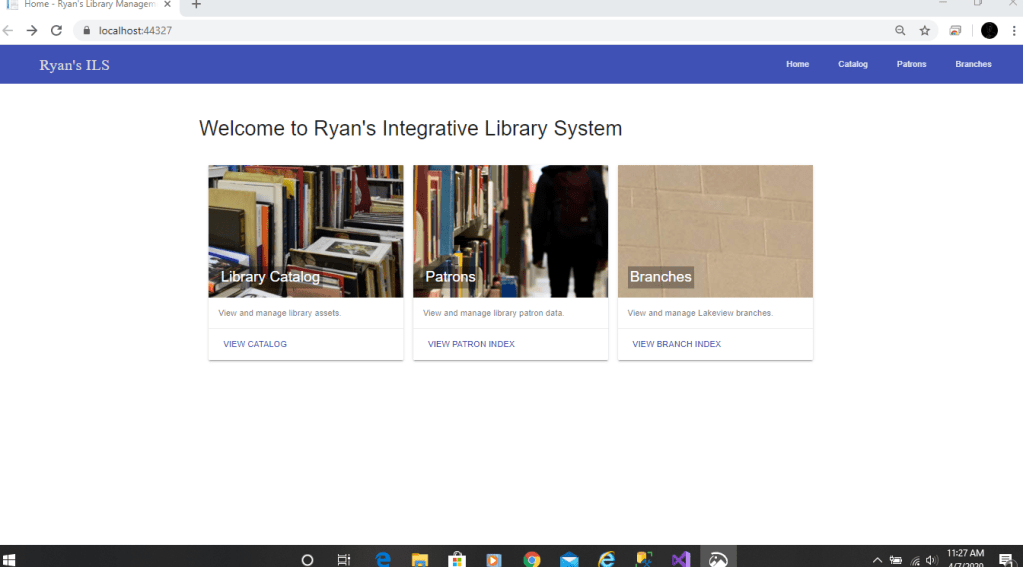
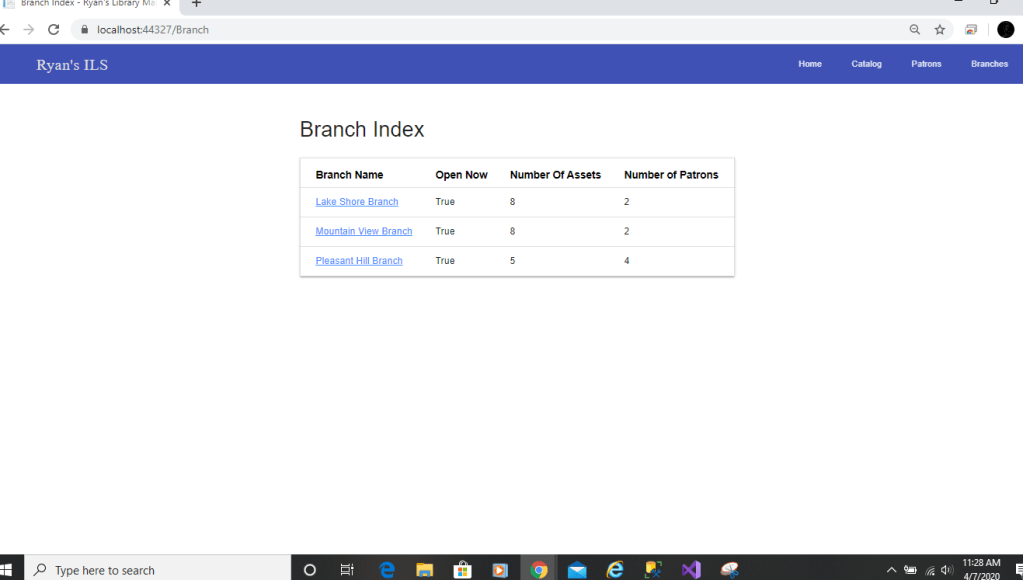
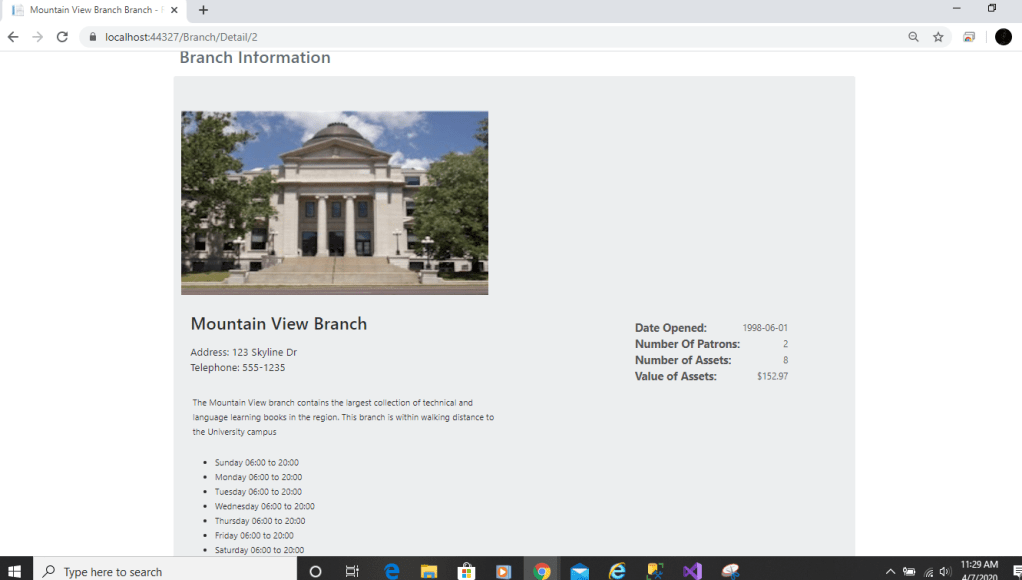
Since the last update, i have the Branch section done and the project as far as the application is complete. In the first photo, i added an interface, views, and a controller for the Branch to function. The second photo is what you see when you first fire the application up, we’ve seen this before. Now all of the buttons on the home page work. If you select “VIEW BRANCH INDEX,” it’ll bring you to the next photo. Here is the Branch index model which gives you the number of assets and patrons at each branch. I created a simple table in the view to make it neat. Once you are on this page, you can highlight and click any of the three branches. This will bring you to photo 4. Here is the Detail page of the branches. The photos were originally way too large for the screen and i wasn’t sure where to change the dimensions. I went to the detail page, and where i called the img src” messed around with some height and widths and it worked. This page shows you everything about the branch such a open hours, location, a short description, etc… This pretty much sums up this project and all of its function. I now need to work of my final paper for this project and record it working in time for the final deliverable.
4/1/20 Update

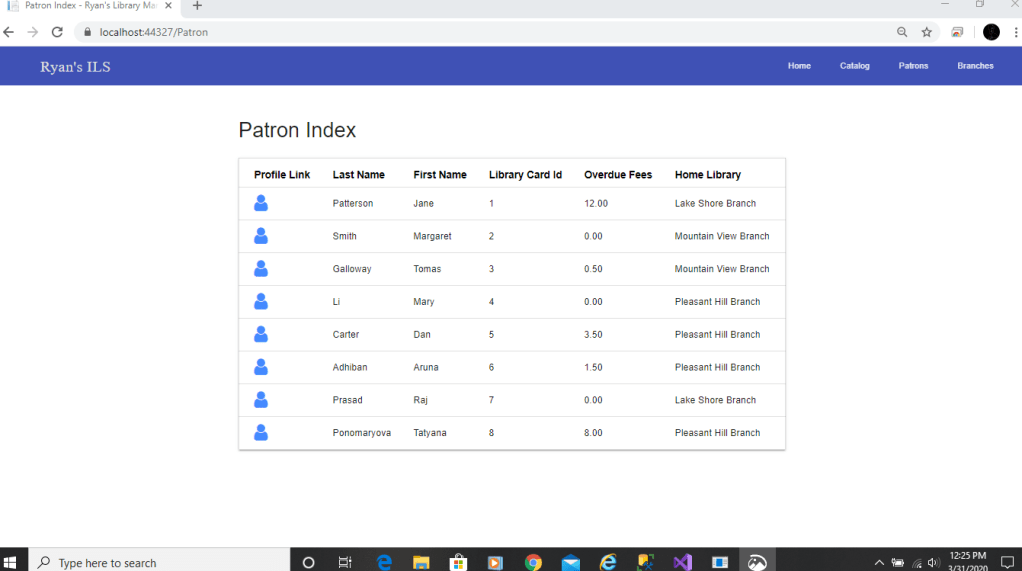
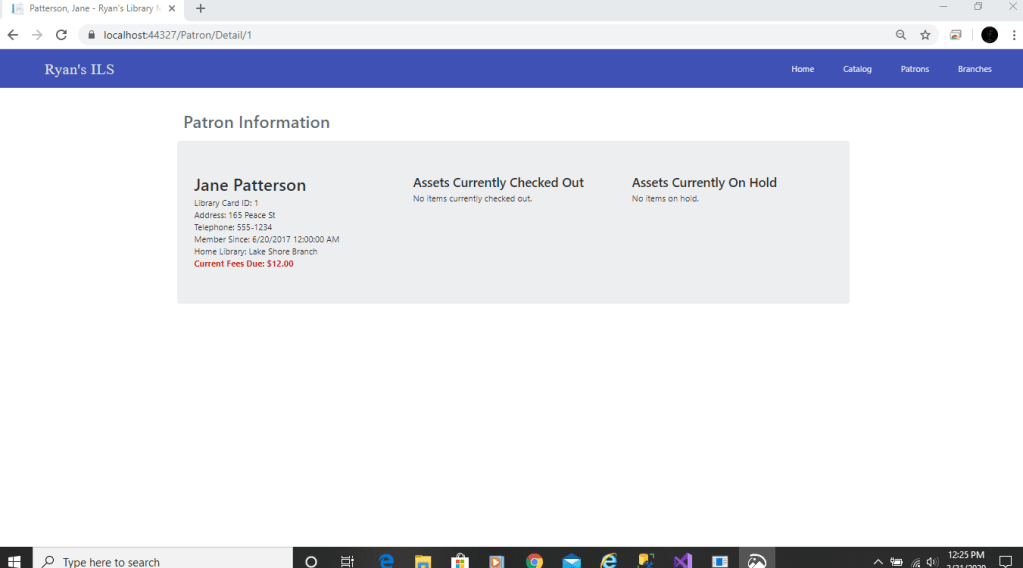
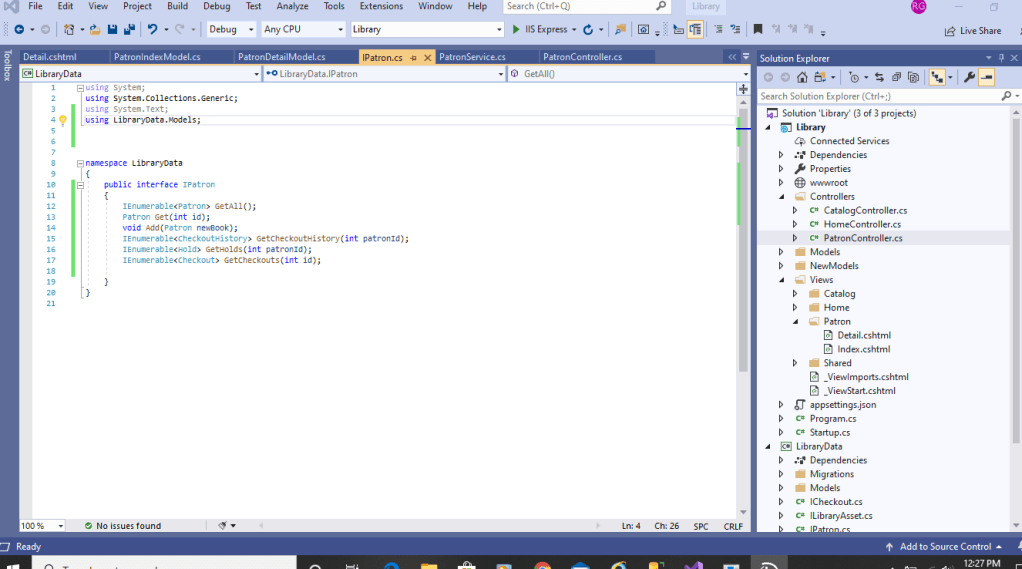
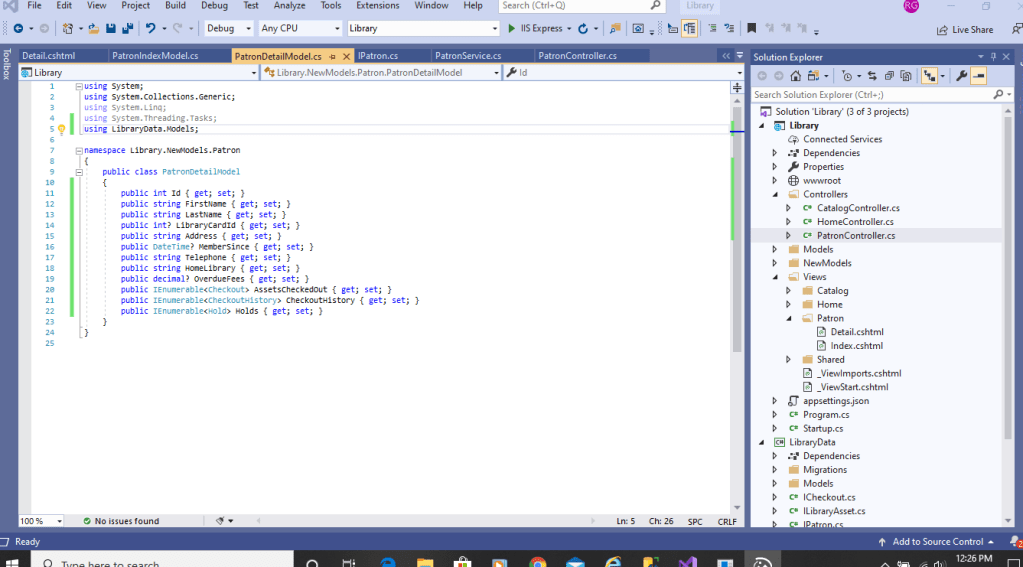
For this weeks update, i got the Patron page up and running. This page shows all the individuals who currently have IDs for the libraries. In the first photo, i created a new interface checks all the information stored for a patron and their books.. The next photo shows all the necessary details that a patron has with their account with the libraries. Once these are implemented, you can view pretty much anything about the Patron and their current status, holds, etc… In the third photo, i made the home page look a little more presentable instead of having the template Visual Studio gives you. I created three main blocks which work except for the branches one. I will wire that up for the next update. But here, you can now select the Patron block which brings you to photo 4. This Patron pages gives all the information and if there are overdue fees, their ID, and which library they used. There is also profile links which is the first column. You can actually click those little people icons which would bring you to the 5th photo. This gives you a more in depth look of the Patron Information and if they have any current check outs or holds.

3/25/20 Update

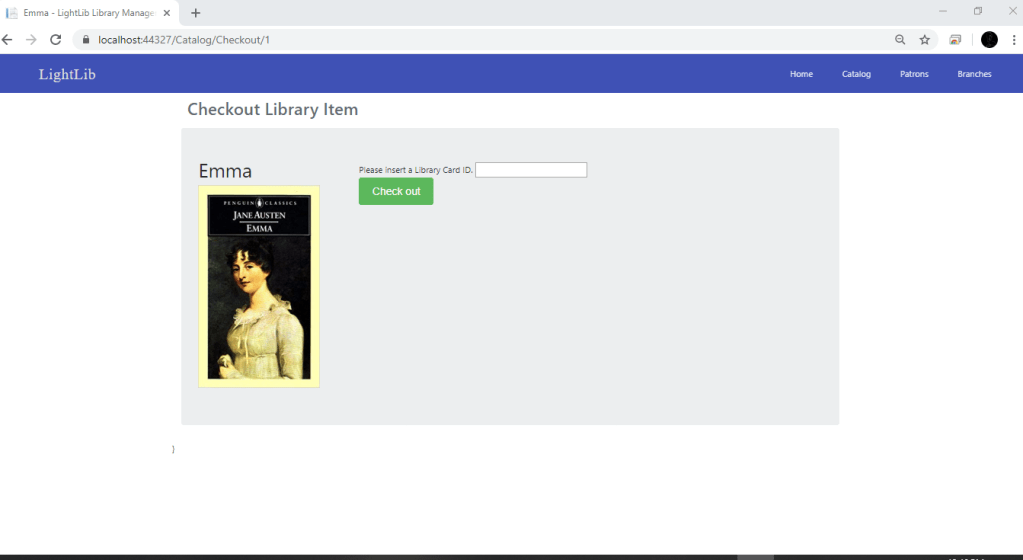
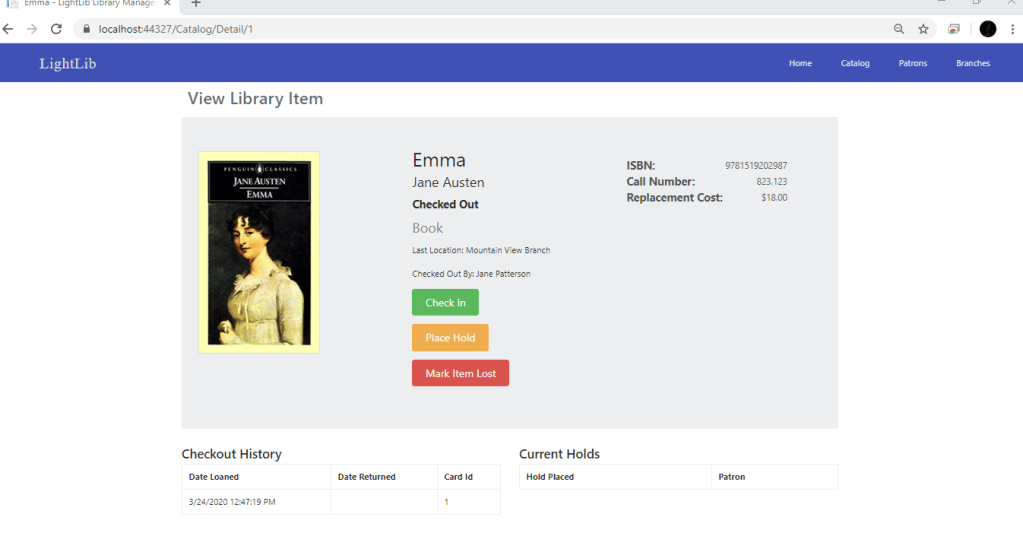
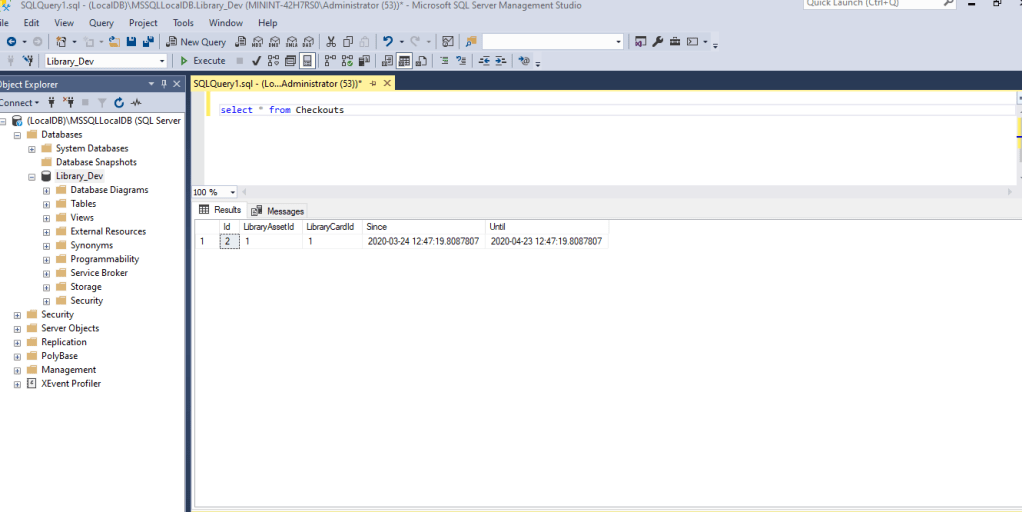
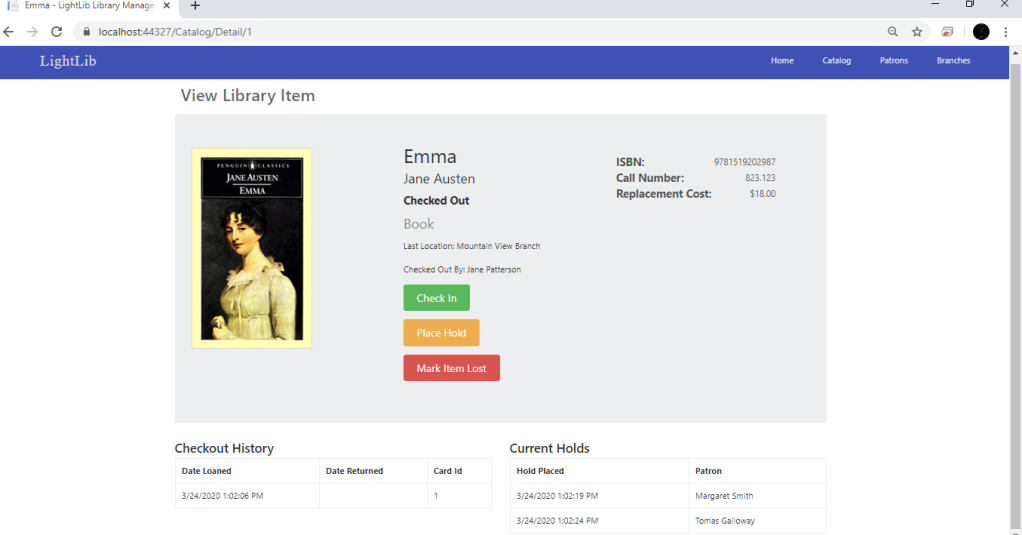
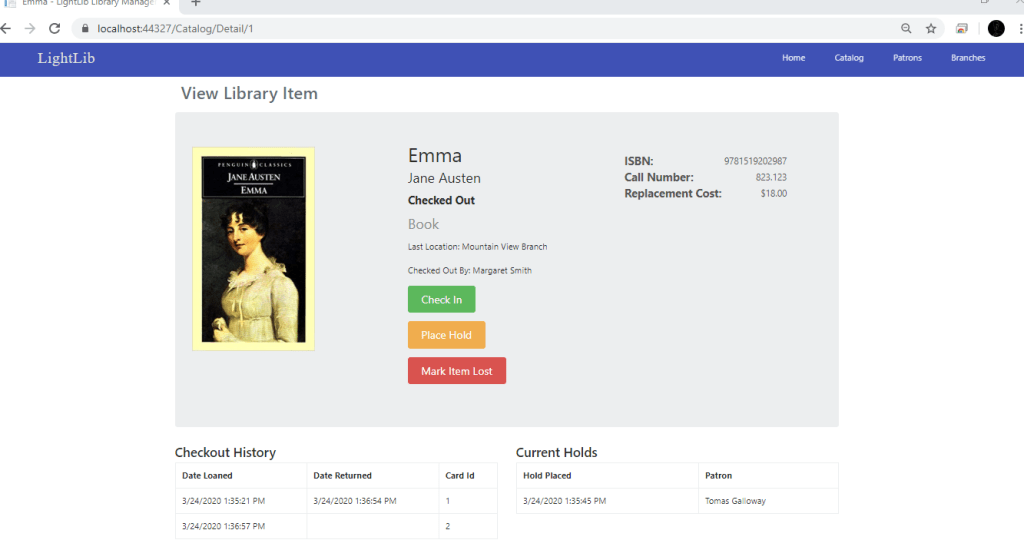
Since my last update, i did not have the Checkout button or the Place hold button wired up. What i did first was create more IActionResults in the CatalogController. These include CheckIn, Hold, MarkLost, MarkFound, PlaceCheckout, and PlaceHold. All of these controllers are essential to the process of checking out. The first photo shows what the Checkout page looks like. There you can put the ID of the Patron in and select Check Out. In the next photo you can see it is checked out now by Jane Patterson and the button is now Check In instead of Check Out. Now, to make sure this updated the database, i just ran a simple query which you can see in photo 3. This will show when the book was checked out and the ID’s of the Patron. In the 4th photo, down to the right you can see two Patrons who have placed a hold. It is the same process as checking out. You give your ID and you are added to the list. Now when Jane Patterson returns the book and you click “Check In,” the book automatically checks out to the person with the most recent hold. Which you can see in photo 5 is Margaret Smith. My next step is to get the Mark Item Lost button working and possibly update the Patron Page.

Update 3/5/20

In this weeks update, i wrote some more code to get the checkout system to start. I also messed around with the bootstrap features a little bit to make it look a lot better and user friendly. I added to my CheckoutServices page some features based on the availability of a book and what to do if checked out. There was a lot of code to write for this so i didn’t get too far. Aside from a couple new features, the look and feel of the site is much better. For next update, i plan to have the checkout button working which would bring up a confirmation page.

2/27/20 Update

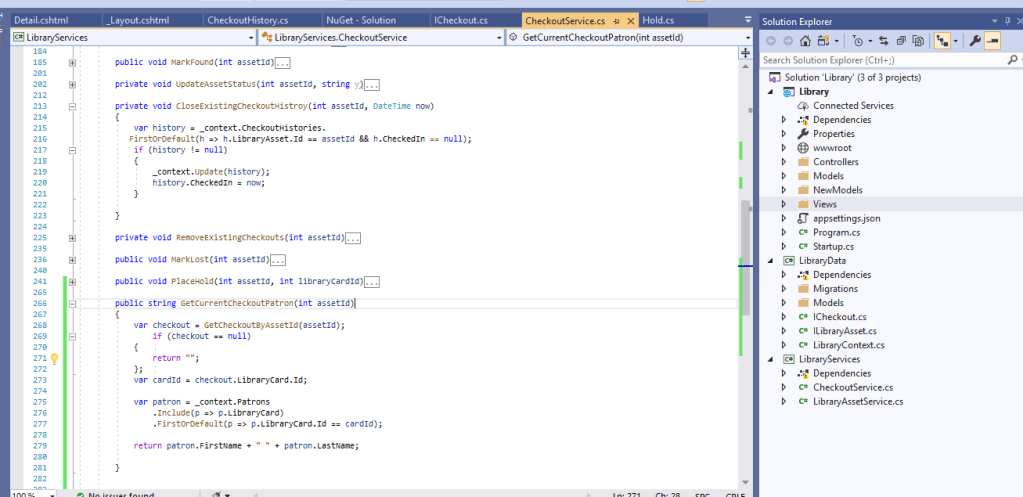
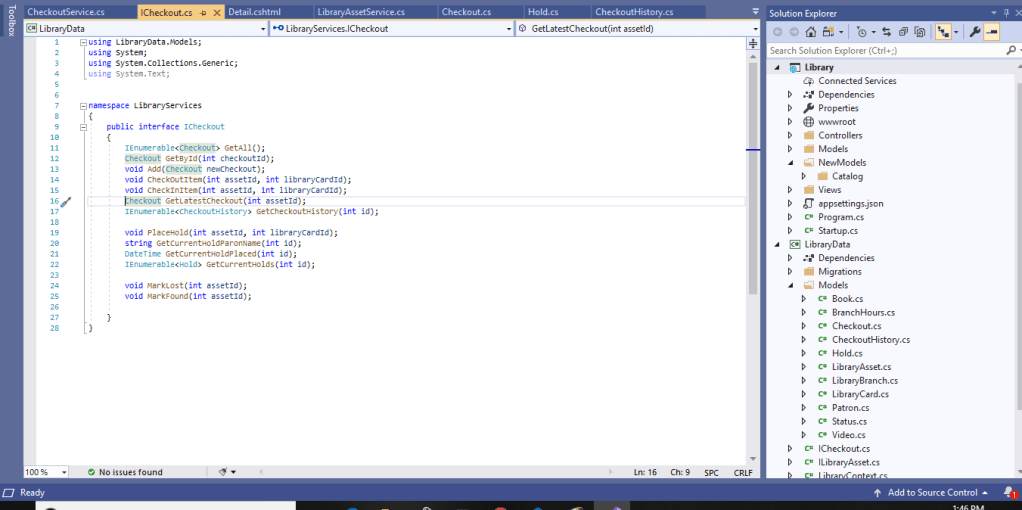
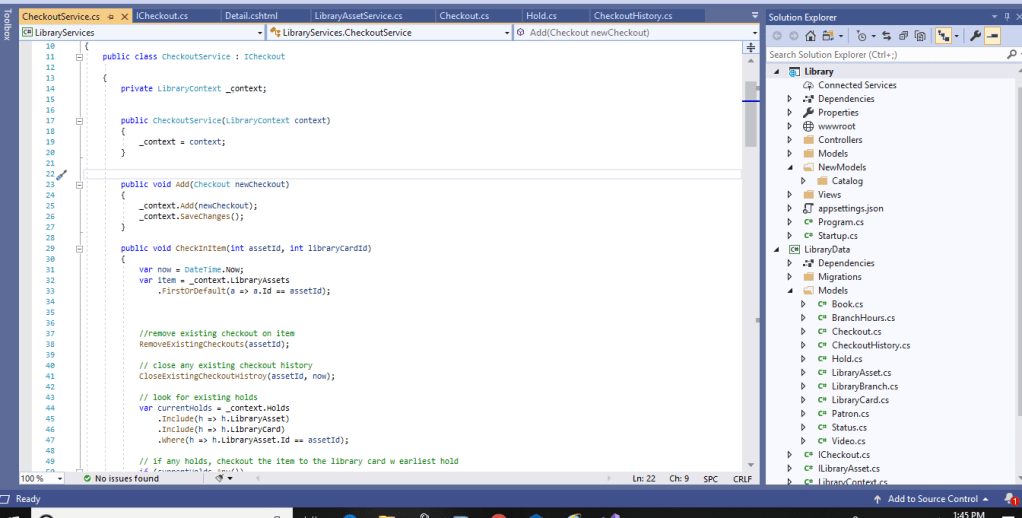
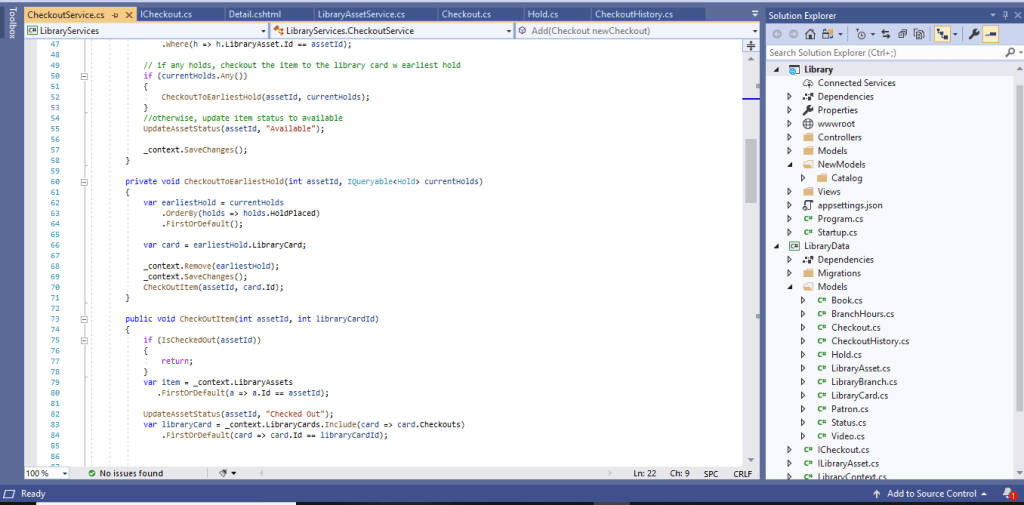
For this weeks update i did not add anything new to the database. My main focus right now is making the checkout features work. These features include checking the book out with your library card, checking to see if it checked out, any holds on the book, latest checkout history and so on. There was a lot of code this week to attempt to implement these features. In the first photo, i added another interface called “ICheckout.” This interface has all the classes, strings, etc necessary for the checkout process. Once this was created, i implemented this interface into my “CheckoutServics” cs file. This in turn generates the code from the ICheckout interface. Essentially what this did was inherit from the interface. The second photo shows the beginning of the code. The commands basically pull information from the database and will give the user a workable checkout process. The third photo shows you what happens when you check out an item and see if there are any holds. There is still a lot more to add but this is my weekly update!

2/20/20 Update

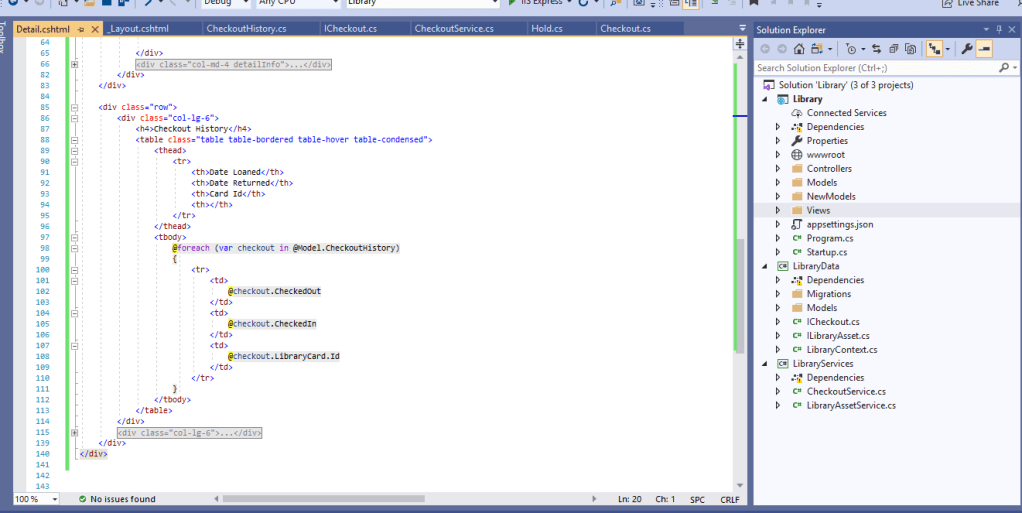
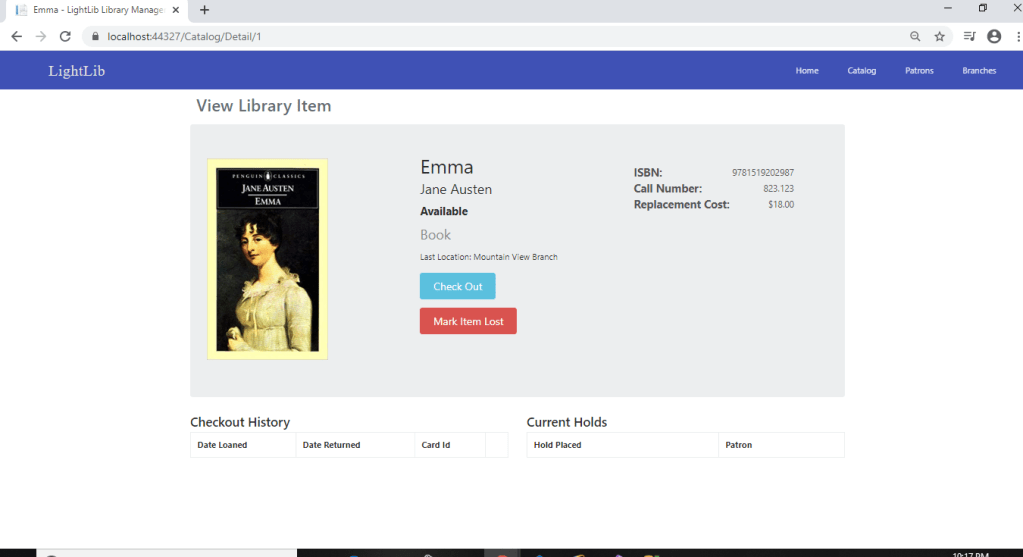
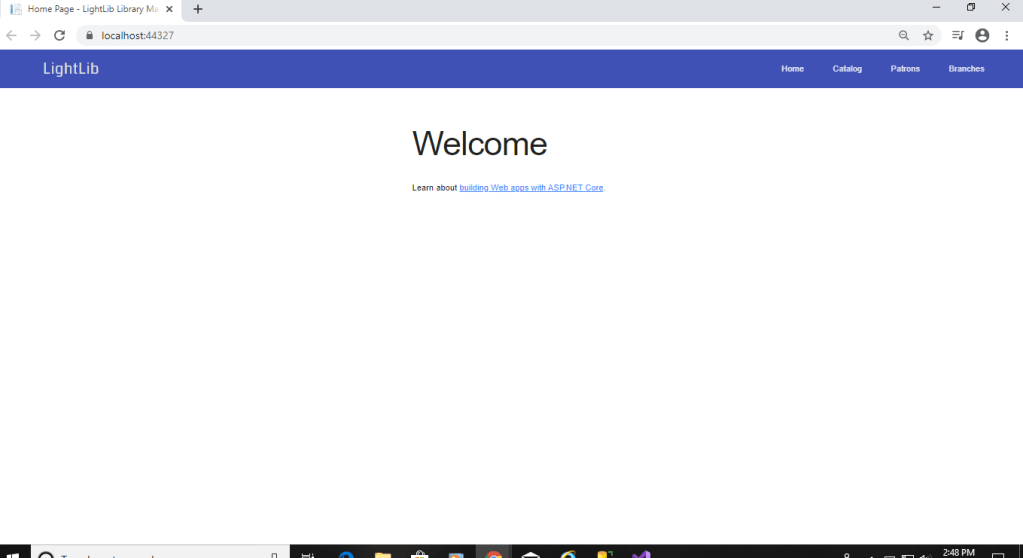
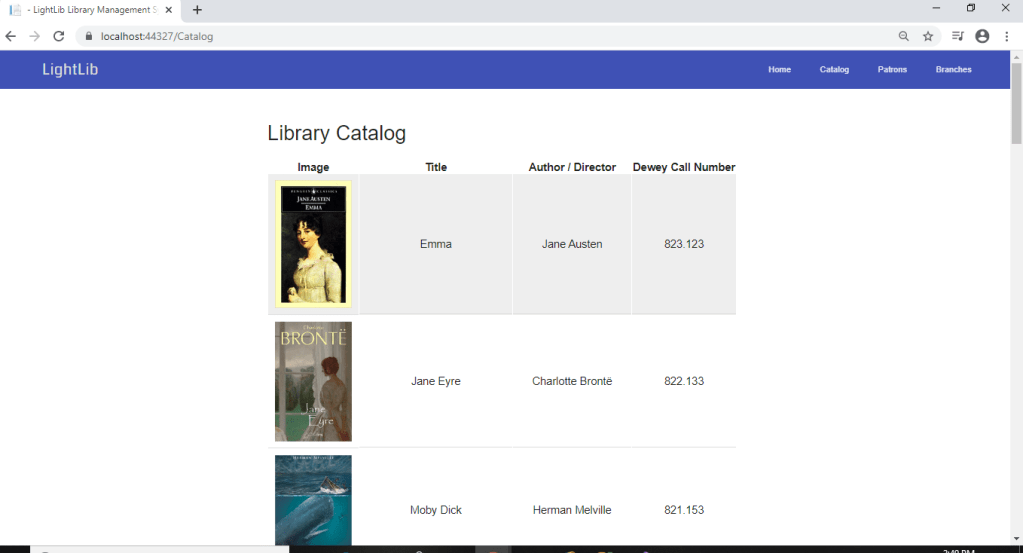
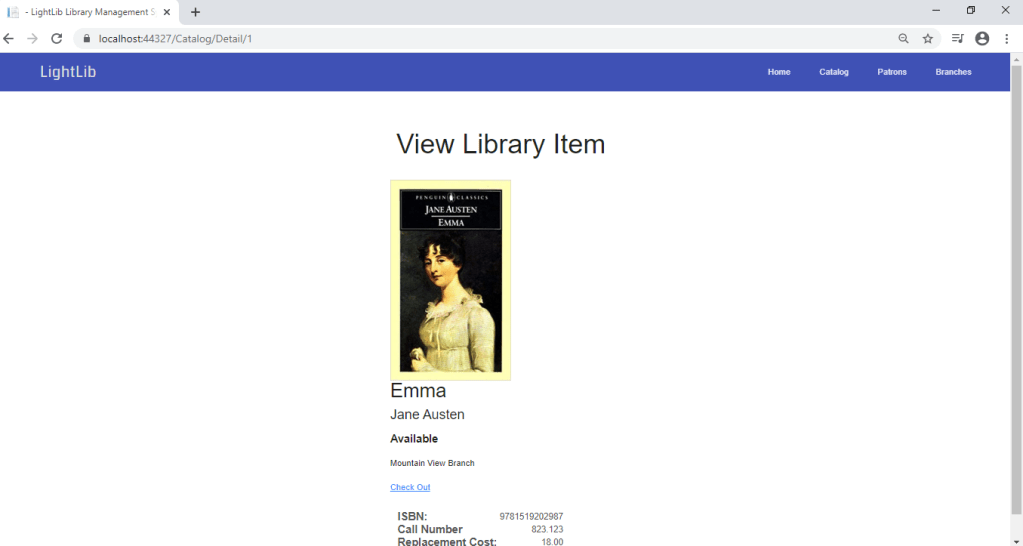
In the first photo is now what it looks like when you first debug it in Visual Studio. Now, instead of having to /Catalog to get there, you can just click Catalog in the top right. It will bring to the second photo which i figure out how to get the photos there so it looks pretty good right now. The third page will show up if you click any of the books. It will bring you to the third photo where you can view the ISBN, Call Number, and Replacement Cost if lost. I added a Detail view page to make this how it it. It is coming together nicely. I also changed the _Layout html page to some javascript designs and fonts.

2/13/20 Update

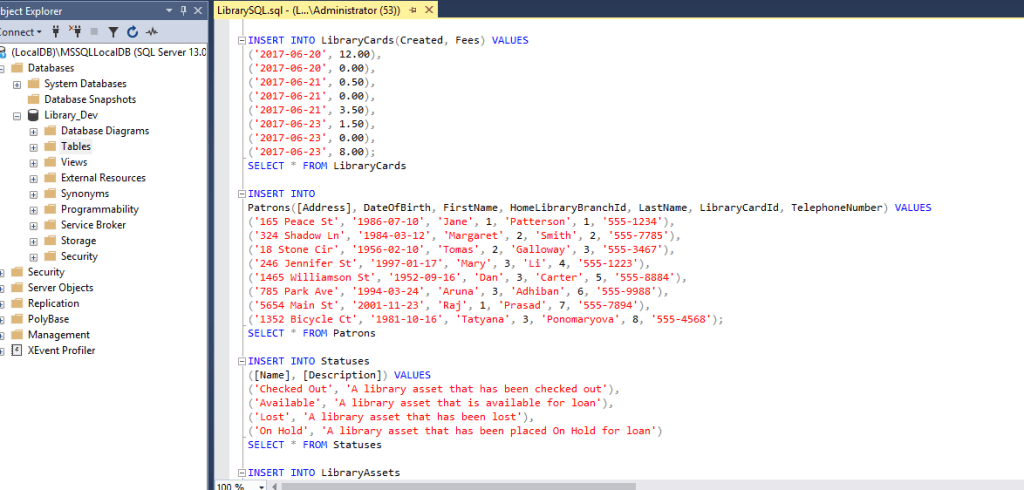
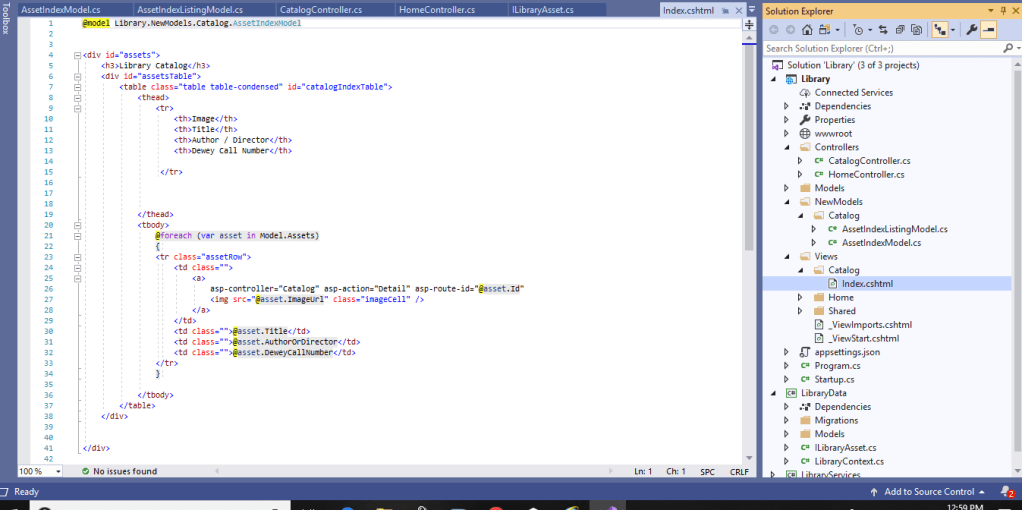
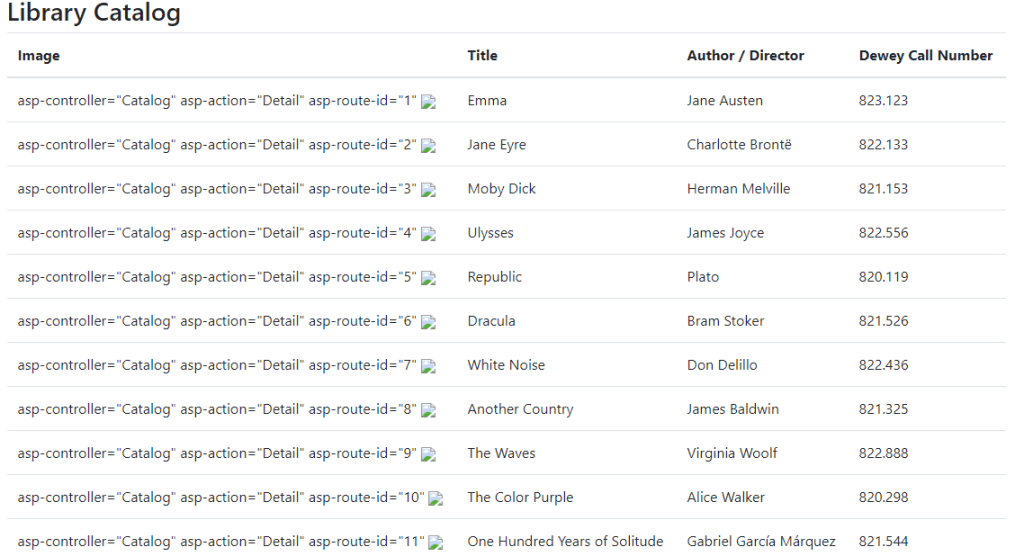
In this weeks update I’ve added a working table into the Catalog which is also new. In the first photo I ran some raw queries to populate the Catalog cs file within the database. All the information is the basics for a library system to be able to query searches based off of any author or book information. In the second photo i have implemented a Razor View page which uses the spiral or “@” for Razor expressions. These expressions are more explicit because we need the text to express results.

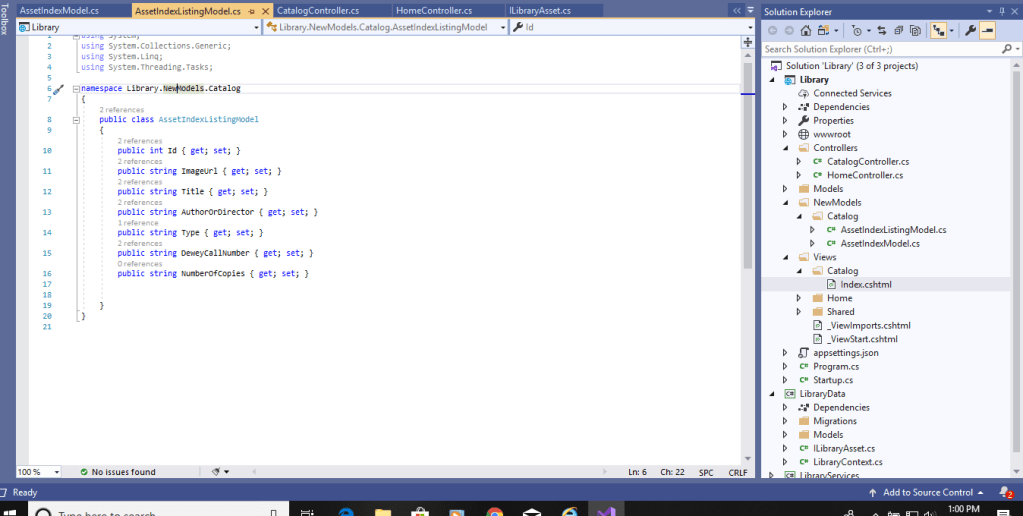
In the third photo I have a new Model catalog entitled “AssetIndexListingModel” and “AssetIndexModel.” Both contain sets of strings with variables that are involved in the CatalogController. These strings are what you see displayed in the 4th photo of the catalog view. My only issues right now is the photos not showing. I don’t have them in the solution yet because typically there is an images folder under wwwroot but there isn’t. If any one knows why or has a solution to that it would be greatly appreciated.

2/5/20 Update

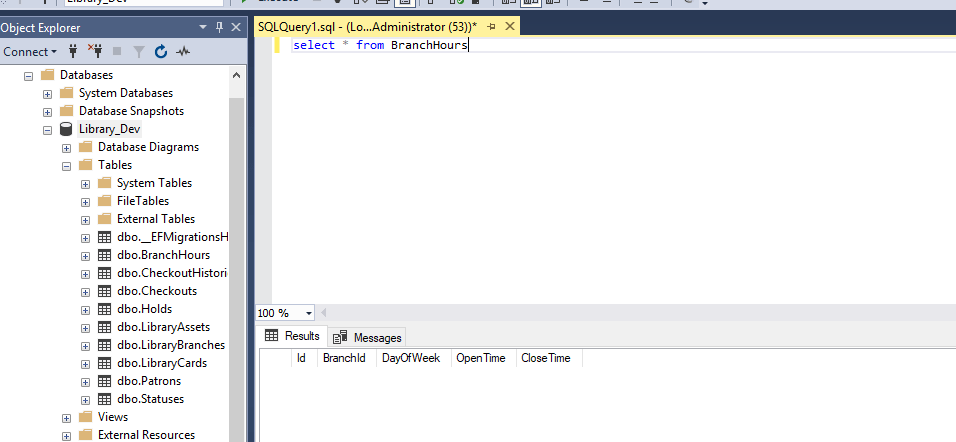
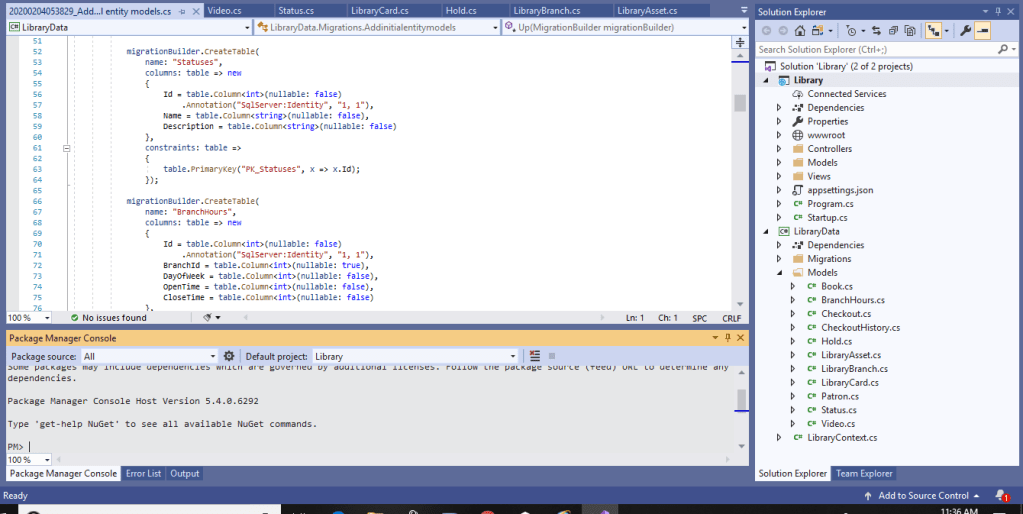
Since last weeks update I have again changed back to a ASP.Net Web Application. I essentially started from scratch and am making a Library Shop. I have a database created in MSSQ called Library_Dev. Everything else is in Visual Studio. I created all the .cs files that will be needed and link some together through foreign keys. I have also set up a migration where i can input “update-database” in the Package Manager Console so the database gets updated with all the tables i add and and information within those tables. In the MSSQ photo, that is just an example of being able to run raw SQL queries on the database connected to Visual Studio. Within each table, you can look at all the items and see which are primary keys and foreign keys etc… As for the Visual Studio photo, you can see the migration added with everything that is sent to the database. You can also view all the .cs files under the folder “Models.” Below is the “Package Manager Console” where i first started with “add-migration” to make everything flow. More to come next week. So far, I have not run into any issues yet.

Project Progress (New)

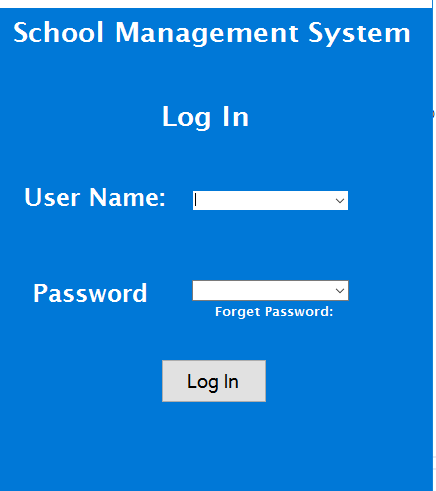
I recently decided to change my project from a tech site to a Student and School Management system. This will be done with the user interface i have pictured above. There will also be a database behind it to help with logging in for instance. This is what my dashboard will look like. You will be able to go back and forth between each button and each button will bring up a new page. So far, i have the log in page working and the student button working with an exit button and a minimize button. More code to come to get all the buttons working with various functions.

Ryan’s Capstone Project Proposal

Above is my project proposal. This goes over what i intend to do and the timeline and the manor in which the project will be created. As time goes on, i will update on all my progress as well as issues and ways i could of solved them. I also stated in the proposal, the timeline and dates are tentative and subject to change. The only thing that would change these dates are issues that occur along the process. Thanks!

Design a site like this with WordPress.com
Get started