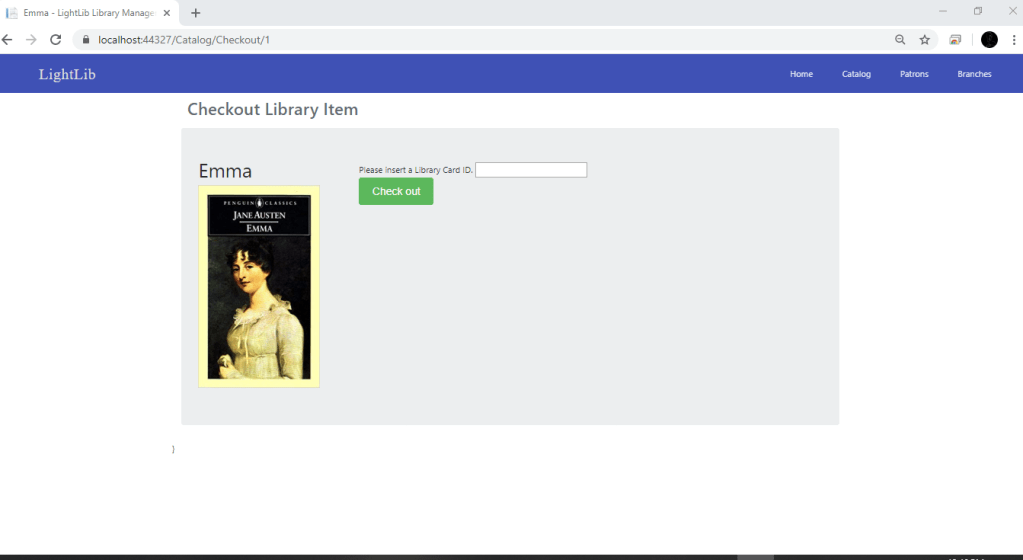
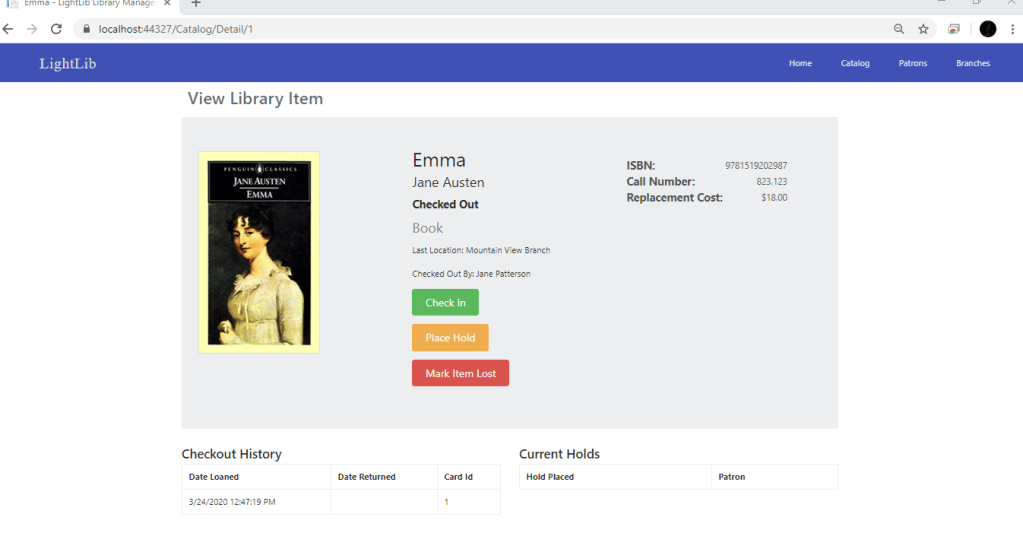
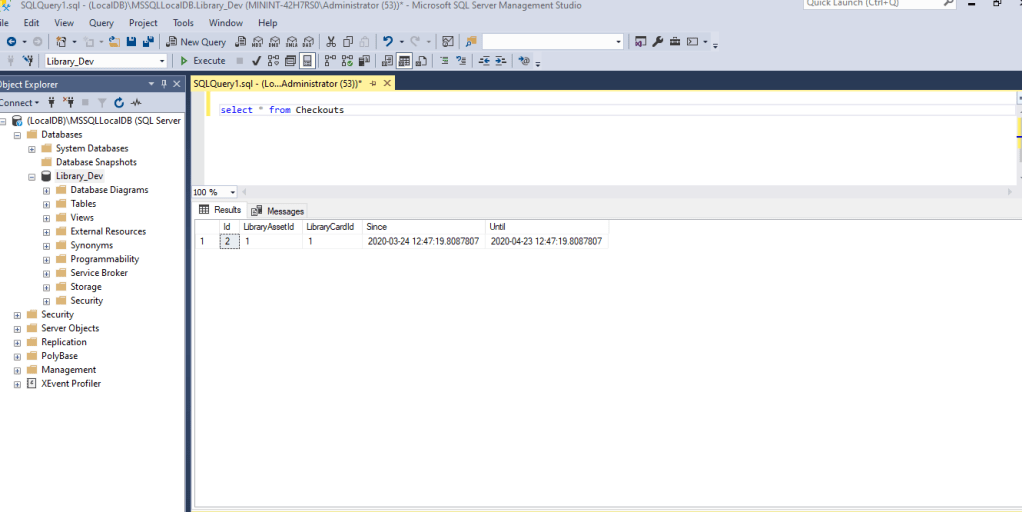
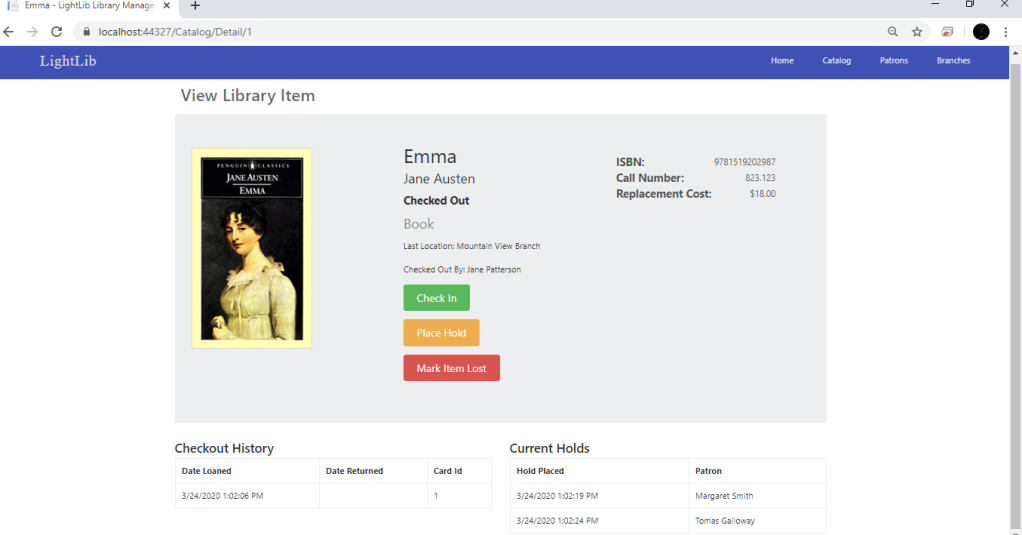
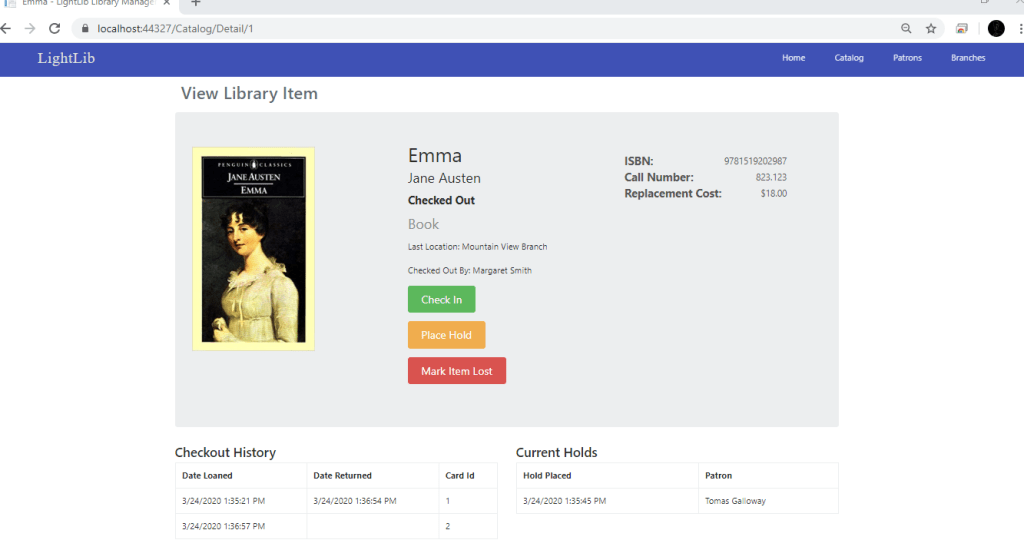
Since my last update, i did not have the Checkout button or the Place hold button wired up. What i did first was create more IActionResults in the CatalogController. These include CheckIn, Hold, MarkLost, MarkFound, PlaceCheckout, and PlaceHold. All of these controllers are essential to the process of checking out. The first photo shows what the Checkout page looks like. There you can put the ID of the Patron in and select Check Out. In the next photo you can see it is checked out now by Jane Patterson and the button is now Check In instead of Check Out. Now, to make sure this updated the database, i just ran a simple query which you can see in photo 3. This will show when the book was checked out and the ID’s of the Patron. In the 4th photo, down to the right you can see two Patrons who have placed a hold. It is the same process as checking out. You give your ID and you are added to the list. Now when Jane Patterson returns the book and you click “Check In,” the book automatically checks out to the person with the most recent hold. Which you can see in photo 5 is Margaret Smith. My next step is to get the Mark Item Lost button working and possibly update the Patron Page.
 Ryan's Capstone Blog