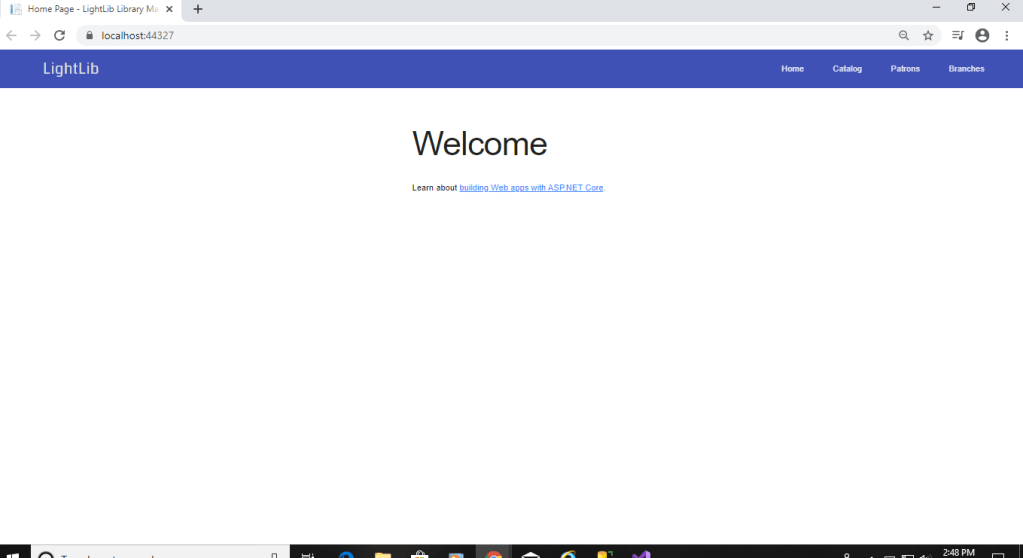
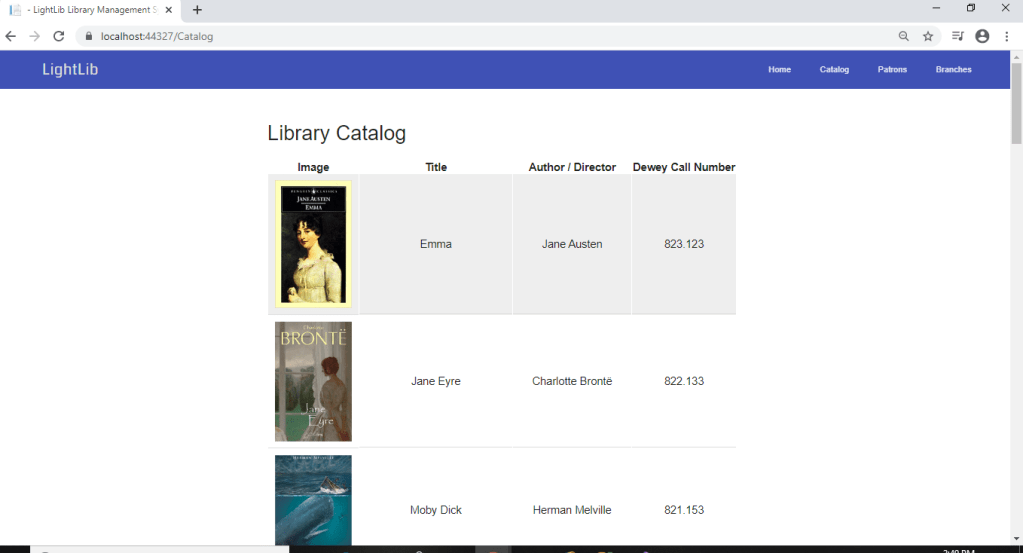
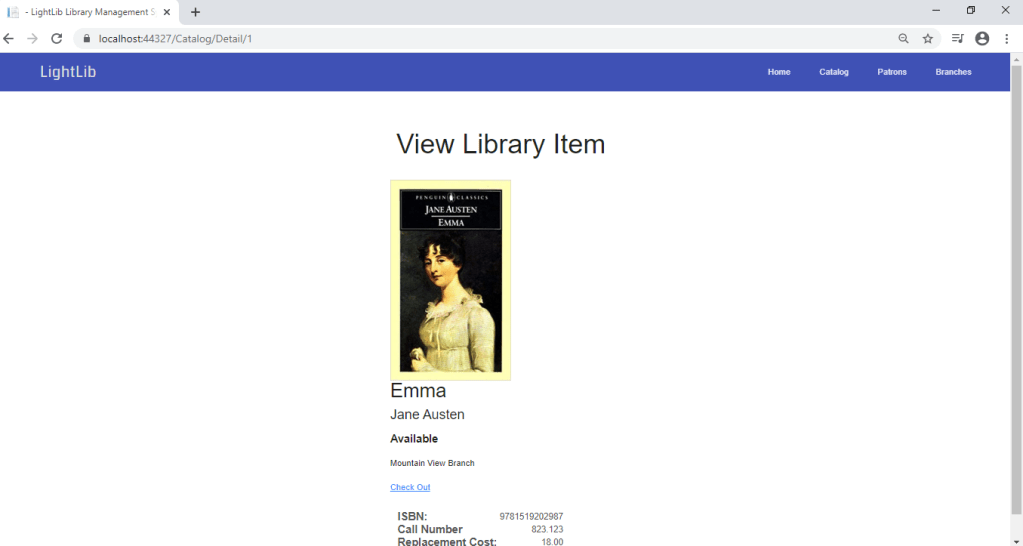
In the first photo is now what it looks like when you first debug it in Visual Studio. Now, instead of having to /Catalog to get there, you can just click Catalog in the top right. It will bring to the second photo which i figure out how to get the photos there so it looks pretty good right now. The third page will show up if you click any of the books. It will bring you to the third photo where you can view the ISBN, Call Number, and Replacement Cost if lost. I added a Detail view page to make this how it it. It is coming together nicely. I also changed the _Layout html page to some javascript designs and fonts.
 Ryan's Capstone Blog